

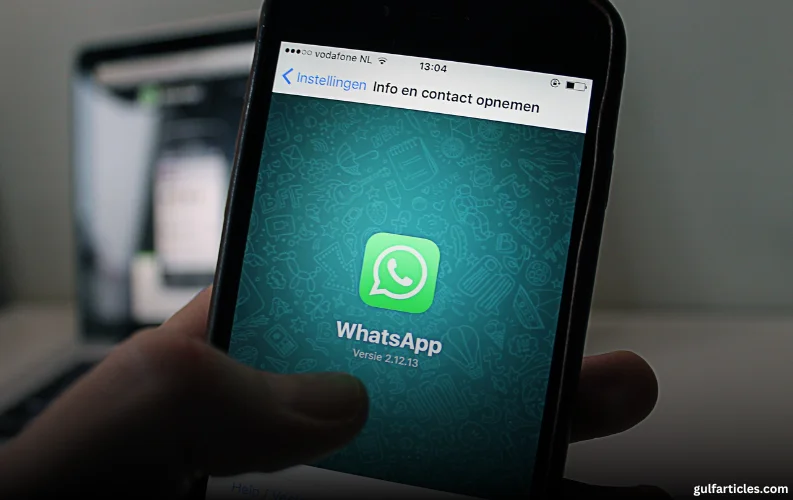
Cybersecurity experts have issued a fresh warning to WhatsApp users in the UAE, urging them to take urgent precautions as hackers increasingly target the messaging platform for criminal exploitation.
According to Seifallah Jedidi, Head of Consumer Channel, META, at global cybersecurity firm Kaspersky, cybercriminals are becoming more sophisticated in their attempts to hijack WhatsApp accounts, using them to send spam, run scams, and access sensitive personal and professional information.
“Messengers are a private space. They contain details about our lives, families, and even work. A compromised account can be devastating,” said Jedidi.
Two Main Hacking Methods Explained
Experts say that cybercriminals are using two primary techniques to gain unauthorized access to WhatsApp accounts:
-
Linked Devices Exploit
Hackers use the ‘Linked Devices’ feature to connect their own device to a victim’s WhatsApp account without alerting the user. The victim continues using the app unaware that someone else is reading or even replying to their messages in real time. -
Re-registration Attack
In this method, the attacker re-registers the victim’s phone number on their own device. Once successful, the original user is logged out, losing access to their account altogether.
Signs Your WhatsApp May Be Compromised
Users are urged to look out for unusual activity such as:
-
Friends or contacts receiving messages you didn’t send
-
Unexpected replies to chats
-
Login notifications or device connection alerts
“If something feels off — act fast. It's better to secure your account than to regret a data breach,” Jedidi advised.
Essential Tips to Secure Your WhatsApp Account
Cybersecurity professionals recommend a multi-layered approach to securing WhatsApp and associated accounts. The following steps can help safeguard your data:
-
Enable Two-Step Verification
Go to Settings → Account → Two-Step Verification. Choose a six-digit PIN that’s unique and not easy to guess. -
Never Share Your PIN or One-Time Code
These codes should never be shared, even if requested by someone you know — scammers often pose as trusted contacts. -
Use WhatsApp’s New Passkeys Feature
Under Settings → Account → Passkeys, users can now opt for biometric authentication instead of traditional codes. This uses a secure cryptographic key stored on your device. -
Add a Recovery Email Address
Navigate to Settings → Account → Email address to link a secure email for account recovery. -
Secure Your Email Account
Use a strong, unique password and consider enabling two-factor authentication (2FA). Password managers like Kaspersky Password Manager can help keep login details safe. -
Watch Out for SIM Swap Scams
Visit your mobile carrier in person to verify that no unauthorized SIM cards have been issued under your number. Request additional security measures, such as requiring an in-person visit or an extra passcode for any SIM changes.
Keep Your Device Malware-Free
Jedidi emphasized that while WhatsApp offers strong in-app protections, these are only effective if the user’s device is free from malware. Installing reputable security software on smartphones, tablets, and computers is strongly advised.
“By adopting a proactive security mindset, users can prevent unauthorized access and protect their personal and business communications,” he added.
Rising Threat Amid Growing Digital Dependence
The warning comes amid a surge in digital communication dependence in the UAE, where residents increasingly rely on WhatsApp not only for personal chats but also for banking, business, and identity verification.
As the number of reported WhatsApp scams continues to rise globally, cybersecurity experts say that public awareness and personal responsibility are key defenses against cybercrime.
Quick Tips: How to Protect Your WhatsApp Today
-
Enable two-step verification
-
Use biometric passkeys
-
Secure and link your email
-
Beware of suspicious login alerts
-
Confirm SIM ownership with your carrier
-
Install trusted antivirus and security software














Comments 0
No comments yet. Be the first to share your thoughts.
Leave a comment
Your email is never published. All fields are required.